Best Storyboard Software for Indie Filmmakers in 2026
Four tools, judged on the one thing most roundups skip: whether the board actually stays tied to the shot you'll shoot.

Most indie directors pick a storyboarding tool the same way they pick a notebook: by how it feels to draw in. Clean brushes, fast frames, a tidy export button. Then the boards get made, everyone nods in the prep meeting, and the file goes into a folder nobody opens again once the shot list takes over. The drawing was never the hard part. The hard part is what happens after.
So when you go looking for the best storyboard software for indie films, judge it on the wrong thing and you'll pay for it in prep. The best tool isn't the one with the nicest pencils. It's the one that keeps the board tied to the two things it actually serves — the shot list you'll shoot from, and the references the shot was built on. A board that lives alone in its own app, cut off from both, is just concept art. Connection first. Drawing tools second.
Get the order right before you get the tool
A storyboard is not where a shot gets invented. It's where a decision that already exists gets drawn.
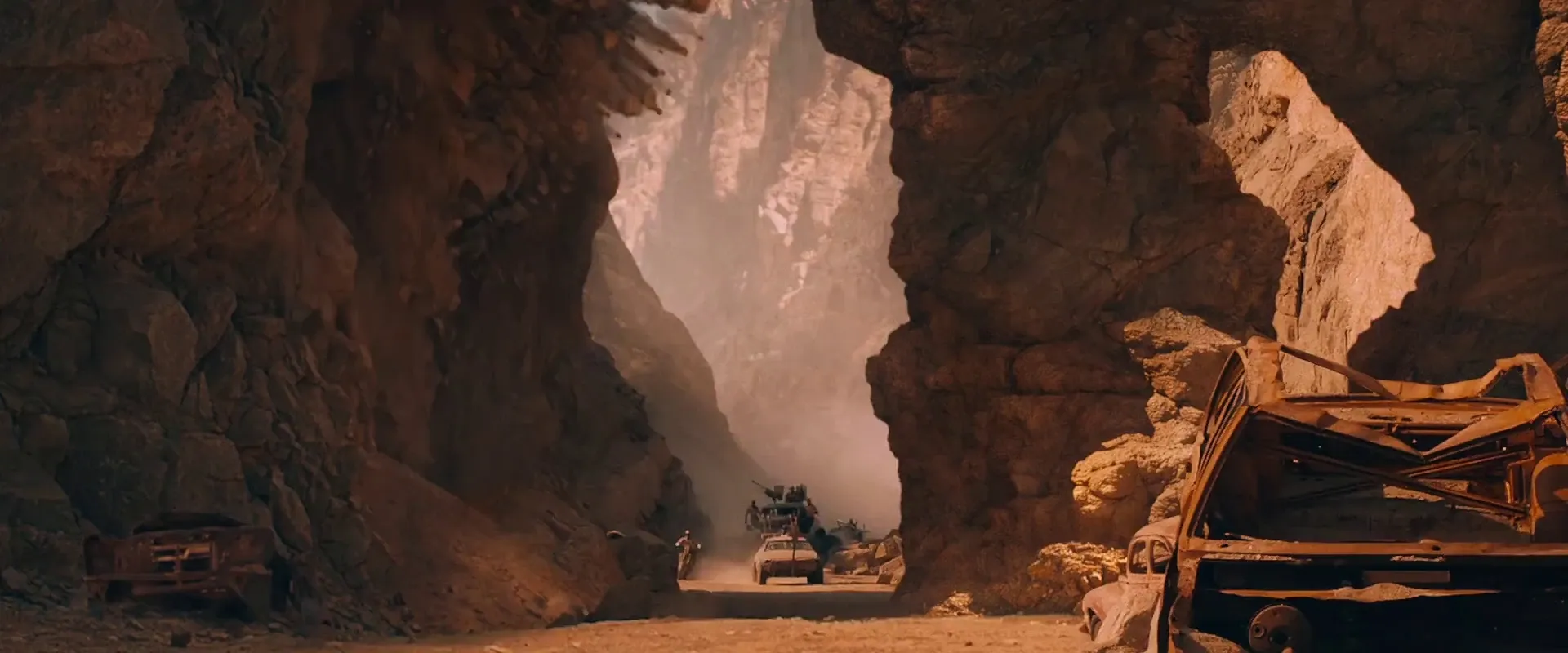
George Miller mapped Mad Max: Fury Road as roughly 3,500 storyboard panels pinned around a room, and has said about eighty percent of what ended up on screen was already on that wall. Bong Joon-ho hand-draws every shot of every film before he rolls — the Parasite boards were published as a book precisely because they sit that close to the finished movie.
Neither of those started in a drawing app. They started with a clear picture of the shot — pulled from references, blocking, a location, a lens feel — and the board recorded it. If your software treats the board as the origin of the idea instead of the record of it, you get pretty panels that don't survive first contact with the shot list.
Storyboarder (Wonder Unit) — free, and the best pure drawing tool
Storyboarder is free and open source, runs on Mac, Windows, and Linux, and is the fastest way to get a rough board out of your head. Six drawing tools, near-frictionless new panels, dialogue and action metadata, and export straight to Premiere, Final Cut, Avid, and PDF. For a director who thumbnails their own shots, nothing beats the price or the speed.
The catch is the silo. It's a desktop drawing app — the board doesn't talk to a shot list or a shared reference library. You export, then rebuild the same information somewhere else. For solo prep, fine. For a crew that needs the board and the list to stay in sync, it's the first place things quietly drift out of step.
Boords — collaboration and animatics, at a price
Boords is web-based and built for feedback: guest commenting with no sign-up required, version history, a built-in animatic editor, and script import. If your prep lives and dies by producer or client notes, it's genuinely good at running that loop.
It's also the most expensive way to make boards here — paid plans start around $39/month for a single user and climb from there for a team — and it stays board-centric. You get a polished storyboard and a slick animatic. You don't get a shot list that stays married to it, or a reference library sitting underneath it. Great at the thing it does; the thing it does is still just boards.
StudioBinder — the shot list and the board in one view
StudioBinder is where the connection finally shows up. The shot list and the storyboard are two views of the same data — swap between them in a click, and a change in one carries into the other. The free tier is real but capped (ten shots, ten storyboard frames, ten scenes): enough to feel the workflow, too little to prep an actual short. Paid plans start around $42/month.
For an indie production already living inside a shot list, that single-source link is worth more than any brush set. This is the model the others have to beat.
Celtx — the whole pipeline, script to call sheet
Celtx goes widest. Script, storyboard, shot list, schedule, and call sheets live in one chain, so a scene change can ripple down into the boards and the list instead of stranding them a version behind. If you want one system from first draft to shoot day, it covers the most ground of anything on this list.
The tradeoff is the usual all-in-one bargain: you trade best-in-class boards for a competent everything. That's exactly the right trade if integration is what keeps your prep from falling apart — and the wrong one if you mostly just wanted to draw.
The thing none of them fully solve
Here's the gap running through nearly every storyboard tool. They all assume the picture already exists, whole, in your head. But the shot you're boarding came from somewhere — a frame you saw, a lighting idea, a lens feel you're chasing.
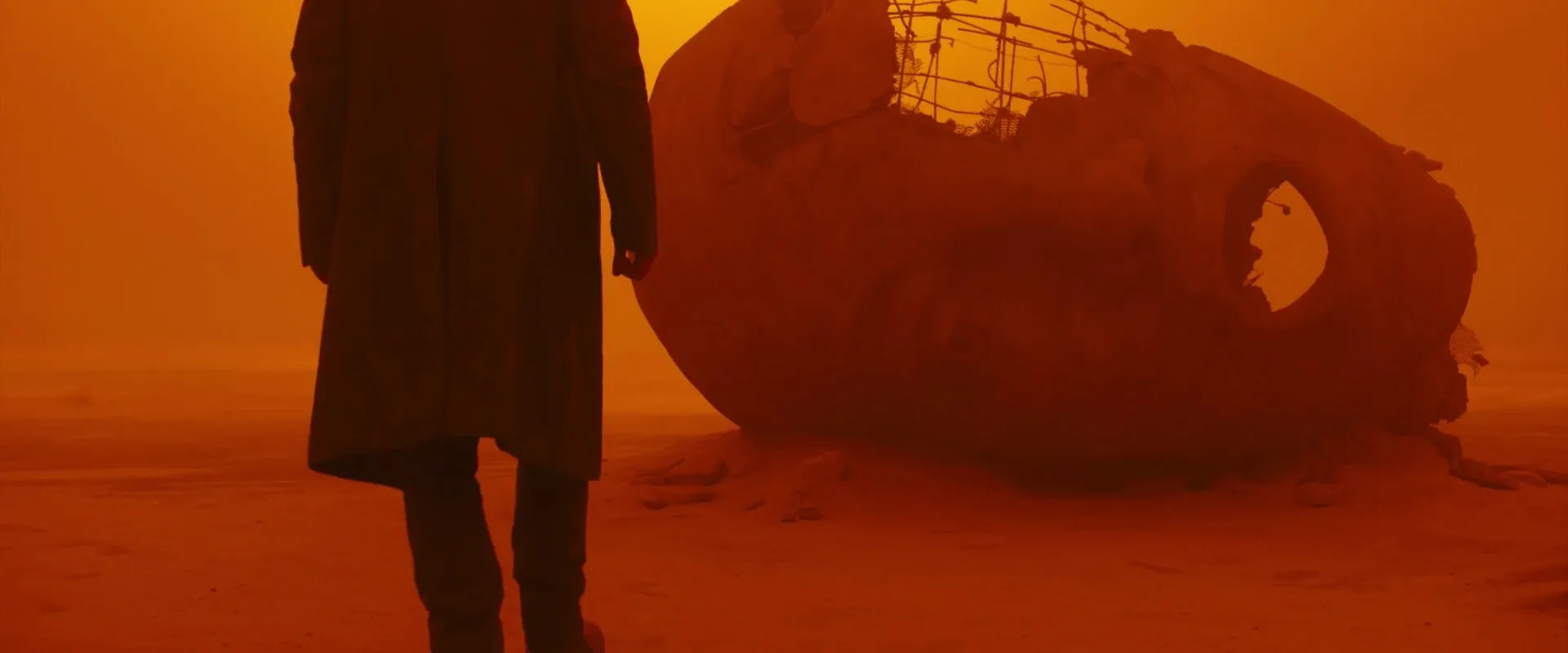
When Villeneuve and Deakins built the orange Vegas world of Blade Runner 2049, that look didn't arrive on a blank frame — it was referenced, designed, tested long before anyone drew a panel. A board built from a vivid reference is a plan. A board built from a vague memory of "something like that dusty scene" is a guess your whole crew then commits to. Most storyboard apps hand you an empty frame and wish you luck. The reference — the actual still that proves the shot is even possible — is off in another tab, or nowhere.
How to actually choose
Match the tool to how disconnected your prep already is.
- Prepping solo and drawing your own shots? Storyboarder, free, done.
- Need producer or client sign-off on the boards themselves? Boords, if the budget allows.
- Already running a shot list and want the board welded to it? StudioBinder.
- Want one system from script to call sheet? Celtx.
None of that answers the reference question, though. And that's the part that decides whether your board is a real plan or an expensive wish.
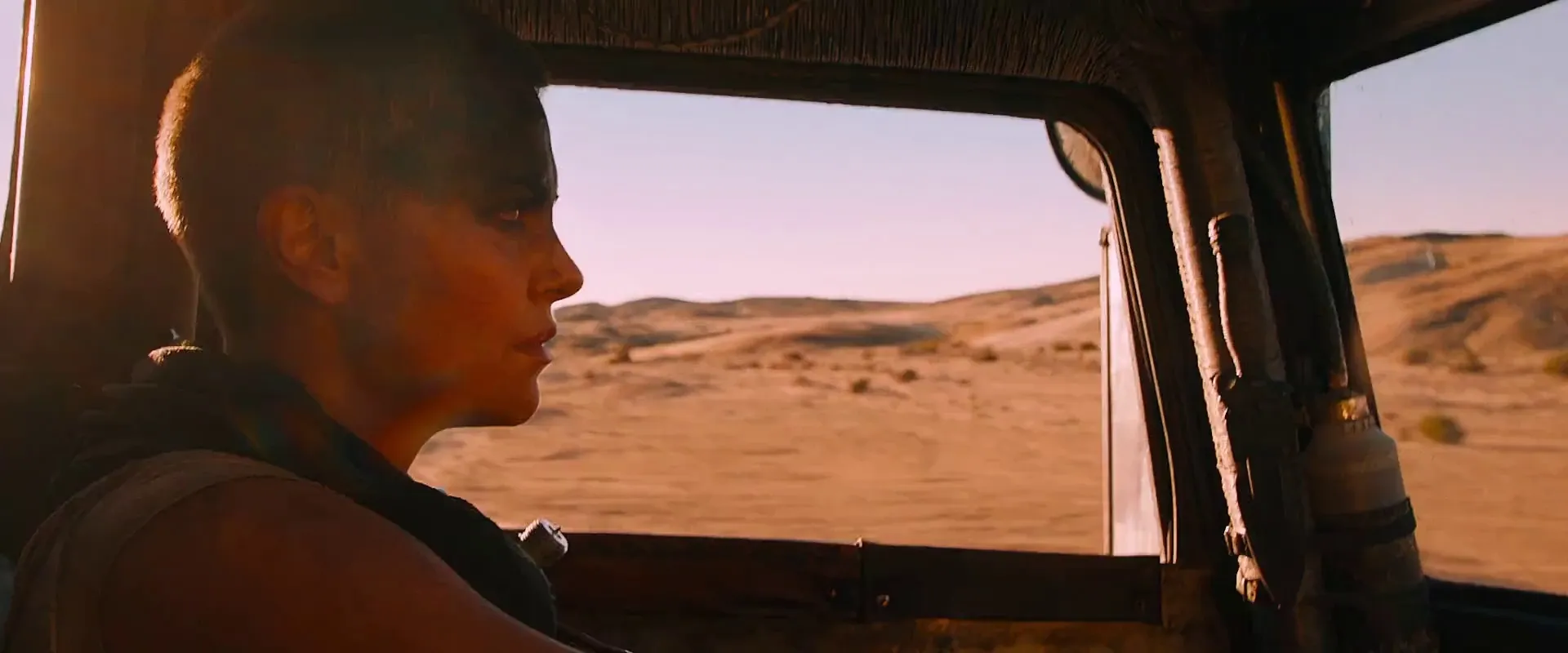
That thread — from the frame that sparked the shot, to the board, to the list you shoot from — is what StillsLab is built to keep unbroken. You search a library of real film frames, pull the ones that actually match the shot you're chasing into a visual reference library, and build the shot list on top of them, so the reference and the plan stay the same object instead of three apps that forgot about each other. The best storyboard software for indie films, in the end, is whatever holds that line from inspiration to call sheet. Pick for the connection. The pencils are the easy part.
How did you like this article?
Login to react to this article
Discussion (0)
💬 No comments yet. Be the first to share your thoughts!